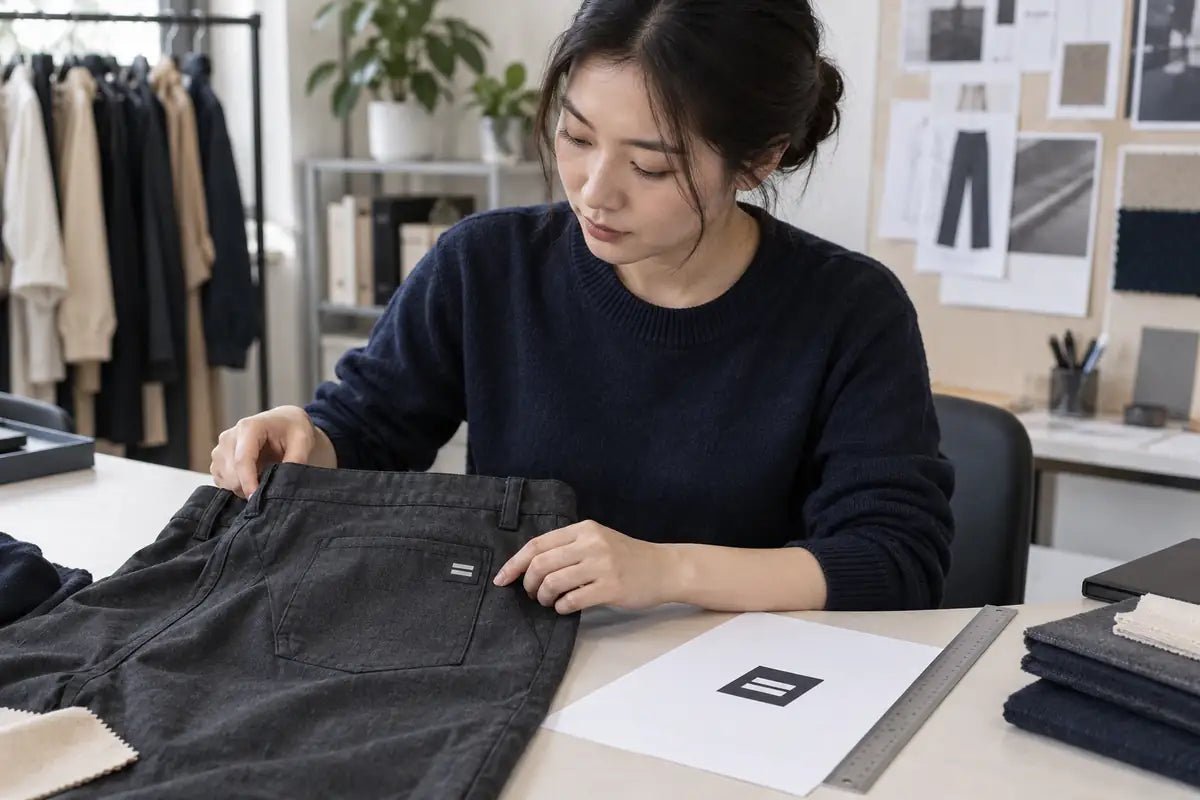
AI-generated illustration. Not a photograph of YJ staff, premises or a customer project; logo placement and measuring tools are illustrative.
A logo artwork checklist for custom clothing production should cover the source file, finished dimensions, garment placement, color references and decoration method. Name the approved artwork version and the sample that still needs review before production.
A mockup shows how you want the garment to look. It may omit the logo's width or the reference points used to measure its position. It also cannot show whether a small line of text will reproduce in thread.
What to include in the artwork package
Send one current artwork package with:
- The style or order reference, logo ID, revision date and person authorized to approve changes.
- The original artwork and the supplier's requested production format, plus a separate viewing proof.
- The intended decoration method, garment fabric and garment color for each version.
- The finished logo width and height, stated in millimeters, centimeters or inches.
- A placement drawing with named reference points, orientation and any rules for different garment sizes.
- The color references and a map showing which artwork version belongs to each garment color.
- The fonts and linked assets resolved, with unwanted backgrounds and obsolete artwork removed from the production export.
- The required sample review, open questions and written approval scope before bulk production.
If you are starting from an existing garment, send the artwork separately from the reference photos. Our guide to working from a reference sample explains what a physical reference can and cannot confirm.
Supply the original artwork, not just a screenshot
A vector logo file describes shapes with paths rather than a fixed grid of pixels. It is useful when the same logo needs several output sizes. Adobe's raster and vector documentation explains this distinction and notes that a PDF can contain either type. Saving a small screenshot inside a PDF does not make it vector artwork.
Ask which formats the supplier accepts for the chosen process. AI, EPS, SVG and PDF may carry vector artwork, while PNG and JPEG are raster formats. Check the contents, not just the extension. Include the original file if you have it and a proof the supplier can compare with the opened artwork.
For raster artwork, ask the supplier to assess the pixel dimensions at the intended decoration size. A resolution label alone does not settle this, and enlarging a small image does not restore its original detail. Printful's file guidance also ties its requirements to the product and print area. Follow the requirements for your supplier's workflow; Printful's rules do not apply to every factory.
Check text, backgrounds and linked images
Ask whether the supplier wants lettering converted to outlines in the production copy. Outlining turns text into vector shapes; keep an editable master for future changes. Adobe's guidance on outlined text recommends retaining a copy because normal font and character editing is lost after conversion. Recheck spelling, spacing and small symbols after export.
Check for images linked to files on your computer. Include those assets in the handoff so the recipient can open the complete artwork. Adobe's file-packaging guidance covers collecting linked graphics and identifying missing assets. Ask your designer to handle any font-sharing permissions before including font files.
Tell the supplier what to do with the background. A white rectangle may be an accidental backdrop or an area you want printed; mark which you intend. Keep placement arrows and measurement notes in the specification or proof, outside the production artwork. Reopen the export and check that only the intended logo remains.
Write down logo size and placement
Measure the visible logo, excluding empty canvas or transparent margins. State the width and height and preserve the approved proportions. If you specify only width, ask the supplier to confirm the resulting height rather than stretch the logo to fit an unrelated box.
For logo placement, identify the garment reference point and the logo edge or center that you are measuring to. Identify the wearer's left or right. A note such as "below the pocket" is less precise than a drawing showing the distance from a finished pocket edge to the top edge of the logo.
This fictional sample request illustrates the wording. It is not a recommended placement, a complete production specification or a YJ order:
DEMO-PANTS / logo L01 / artwork R2. Proposed visible logo size: 80 mm wide by 20 mm high. Center horizontally on the wearer's right back pocket, with the logo's top edge 20 mm below the finished pocket opening. Review this layout on the size M sample. Confirm feasibility, decoration method and placement tolerance before making the sample. Other sizes and bulk production are not approved by this request.
Decide whether the logo stays the same size across the garment range, and specify any changes in position. Check the available space on smaller sizes and near seams, zips or pocket edges. Approve the placement tolerance separately; a mockup does not define the allowed production variation.
Agree color references and garment colorways
Send the full color-reference system and code, or an agreed physical reference, for each logo color. For embroidery, confirm the thread range and selected thread codes. List which garment color receives each light or dark logo version.
Ask which color mode and profile the production workflow needs. Do not automatically convert every file to CMYK or assume RGB is always accepted. Printful, for example, specifies an sRGB upload workflow in the file guidance linked above and warns that screen and printed colors may differ. Review the proposed ink or thread on the intended material before accepting the result.
Match the artwork to the decoration method
Printed logos
Ask the decorator to review the artwork at its final size for fine lines, small lettering, gradients and any transparent areas. Agree whether any details need redrawing or simplifying. Get brand approval for those changes before using the revised file for production. Print-ready artwork is prepared for a particular process. Another printing method may need different preparation.
Embroidered logos
Embroidery digitizing converts artwork into an embroidery design and machine instructions. A vector file is not itself a stitch file. Wilcom's digitizing guidance distinguishes source artwork, embroidery files and visual stitch simulations, and says fabric-related settings need checking before production.
Ask who will handle digitizing and whether they can use an existing stitch file. Agree any separate setup or revision charges. Ask for approval before changing thin lines, small lettering or other logo details. A stitch simulation helps review appearance, but it is not a physical sew-out on the garment material.
Labels and patches
If the logo goes on a separate label or patch, request its own specification. Confirm the finished component size, visible artwork area, edge or fold treatment and attachment position. A logo file for direct decoration does not describe how a separate component should be made and attached.
Record the sample and artwork approval
Agree a physical review appropriate to the method, such as a print trial, embroidery sew-out or finished component sample. For embroidery, Madeira's practitioner guidance recommends testing when reusing a design on different fabrics. Record the sample material and any differences from production. Approval on one fabric should not automatically cover another.
Review the actual size, placement, legibility and color. Check the finish and feel as well as the front view. Agree any care testing and acceptance criteria for the project; a digital proof cannot establish wash performance. Use a sample comments record to keep each requested change tied to the sample and artwork revision.
Write down what each approval allows: making a sample, accepting its decoration or starting bulk production. Record the accepted artwork filename, sample reference, garment color and approval date. If the logo size, material or method changes afterward, ask what needs checking again. Keep earlier files in the history, clearly separate from the current production package.
Send YJ the logo with the garment brief
Send your artwork, proposed dimensions and placement drawing with the garment style, target fabric, colorways and quantities. YJ can discuss the available branding options for the individual style. If responsibilities are still unclear, our guide to cut-and-sew and full-package production can help you define what each party supplies.
Discuss your custom clothing artwork requirements and confirm the accepted files, decoration feasibility, sampling arrangements and any artwork or setup charges before committing to production.
Frequently asked questions
What logo file should I send to a clothing manufacturer?
Send your original artwork if you have it, a viewing proof and the format your supplier requests for the decoration method. Vector artwork can help when resizing a logo, but the supplier still needs to check the contents and confirm that the file suits the process.
Is a PDF always a vector logo file?
No. A PDF can contain vector paths, raster images or both. Putting a screenshot in a PDF does not create editable vector paths. Ask your designer or supplier to check the artwork inside it.
Does every clothing logo need 300 DPI?
No single resolution number suits every decoration workflow. For raster artwork, agree the required pixel dimensions and resolution at the final physical size. Vector paths and embroidery machine instructions are different from raster images, so the same rule cannot cover all three.
Can I use one logo file for printing and embroidery?
You can start with the same brand artwork, but each method needs its own preparation. Embroidery needs suitable digitizing, and details that print well may need checking in thread. Keep the master artwork and approve any changes for each method separately.
Does approving a mockup authorize bulk production?
Only when the approval explicitly grants that scope under the agreed project process. A mockup can confirm intended layout, but not physical finish or durability. Name the accepted artwork and sample, record what remains open and identify who may release bulk.